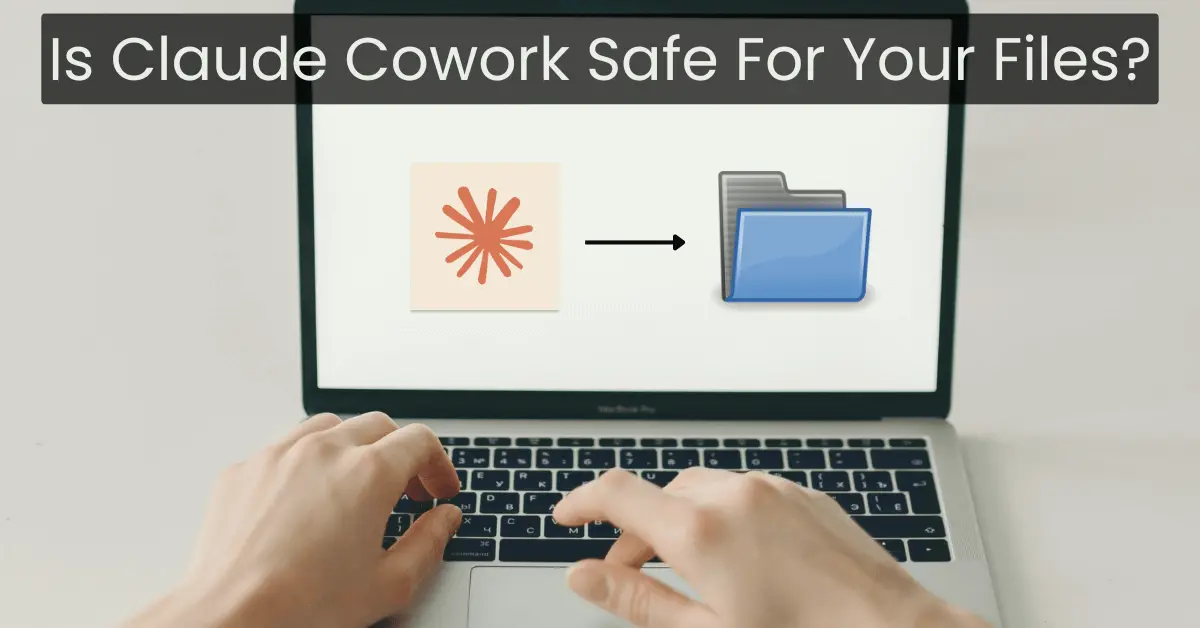

In the present time, ensuring the safety of your data is a top priority. Many of us have personal files and documents that we don’t want to lose or share. So, when choosing an AI tool to manage your files, it’s important to know if it can be trusted. Claude Cowork is one such AI assistant, designed to help you work with files on your computer. But is it really safe to use? Let’s take a look at how it works, how it keeps your information secure, and if it’s a good choice for handling your data.
What Is Claude Cowork?
Claude Cowork is an AI tool designed to help you organize and manage your files efficiently on your computer. Unlike other AI tools, Claude Cowork doesn’t rely on storing your data in the cloud (remote servers). Instead, it works directly on your computer. This means that your files stay on your device and are not uploaded to an external server.
What makes it unique is that you can choose which folders it can access. It won’t look at or touch files in other areas unless you allow it. This makes it safer because it works only with what you give it permission to access.
Local Data Storage: Where Does Your Data Go?
One of the best things about Claude Cowork is that it uses local data storage. This means all your files and data are stored on your computer, not in the cloud. Many AI tools upload your data to external servers. But with Claude tool, your information stays private and on your device.
This is good for privacy because no one else can access your files unless you decide to share them. Other AI tools may keep your data for weeks or even longer to improve the AI. Claude Cowork does not do this. It only works with the data you give it access to and keeps it on your device.
This gives you full control over your files. It’s up to you to decide what Claude Cowork can and can’t do. This is especially important if you handle sensitive or private documents.
AI Security Risks: What You Need To Know
Every tool comes with some risk, and Claude Cowork is no exception. While it is designed with security in mind, there are still a few things to be aware of.
One security feature is the “sandbox” environment. This keeps this tool separate from other parts of your computer. It helps prevent the AI from accidentally making any harmful changes to your system. Another important feature is folder-scoped access, which means the AI can only access the files in folders you allow. It cannot make changes to files or folders you haven’t approved.
However, there are still some risks. One risk is something called prompt injection. This happens when someone hides a harmful command inside a file or input. The AI may be tricked into doing something harmful. To avoid this risk, always work with trusted files and sources.
Another risk is accidental deletion. Claude Cowork will ask for your permission before making big changes, like deleting files. But mistakes can still happen, so it’s always a good idea to back up your important files.
Overall, Claude Cowork has good security features, but you still need to be cautious when using it. Stay aware of what the AI is doing and check your files before allowing any major changes.
Privacy And Data Usage Policies
It’s important to understand how Claude Cowork handles your data. There are different rules based on the type of account you have. For regular users, the AI may use your data to improve its performance. This means your files and task history could be stored for a short time (up to 30 days) unless you choose to opt out.
If you don’t want your data to be used for improving the AI, you can change the settings to stop it. This allows you to have better control over your personal data and privacy.
For business or team accounts, the privacy rules are even stricter. These accounts use Zero Data Retention (ZDR). This means your files will not be stored or used for improving the AI at all. ZDR is a great option for companies that need extra security for their data.
Also Read: Is The Realme P4 Power Safe For Gaming While Charging?
Is Claude Cowork Safe To Use?
Claude Cowork is safe to use as long as you follow some basic rules. Thanks to its local data storage, sandbox environment, and folder-scoped access, it is designed to protect your files. Still, it’s important to be cautious when using it.
This tool will always ask for permission before doing anything important, like deleting files or making changes. But, it’s still a good idea to stay alert and double-check what it is doing. Also, always back up your files just in case something goes wrong.
If you use Claude Cowork carefully and follow these safety tips, it can be a useful and secure tool to manage your files.
Final Thoughts: Should You Trust Claude Cowork?
In conclusion, Claude Cowork offers a safe and convenient way to manage your files. You control your information with its local data storage policy, but be careful about possible security threats or the chance of losing files accidentally.
Here are the key points to remember:
- Local Data Storage: Your files remain on your computer, allowing you to control privacy.
- AI Security Risks: Claude tool has strong security features, but you need to be careful of risks like prompt injection or accidental deletion.
- Privacy and Data Usage: You have the option to keep your data private, using the Zero Data Retention feature for businesses.
Claude Cowork is a good tool for managing documents safely if you back up your files and use it carefully. Just be mindful of risks and stay careful.

 By
By